What is CMYK?
CMYK stands for Cyan, Magenta, Yellow, and Key (Black). The CMYK color model is a subtractive system used primarily in printing, where colors are created by overprinting these four process inks.
If you prepare files for print, CMYK is the key color mode. While screens mix colors with light (RGB), printed color is produced with ink on paper. CMYK describes how colors are built in four-color process printing – making it the foundation for predictable print results.
How it works: Why does CMYK need “K” (Black)?
In theory, combining Cyan, Magenta, and Yellow should produce black. In practice, it often results in a muddy dark brown/gray – and it’s harder to control in production.
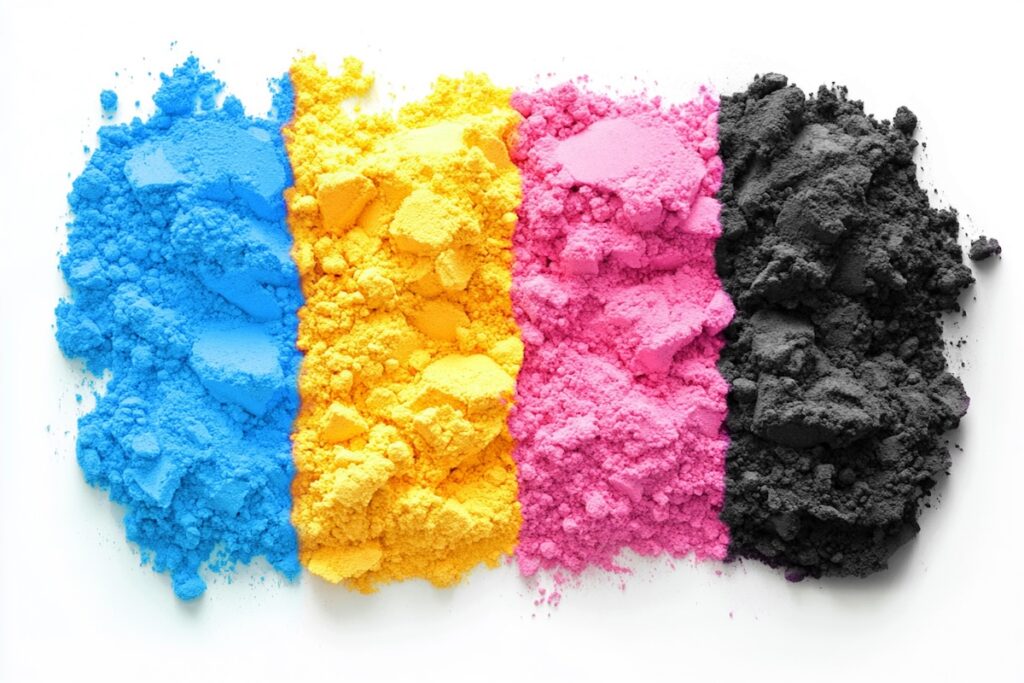
That’s why four-color printing adds K (Key/Black):
- adds depth and contrast
- keeps text and fine lines crisp
- reduces visible variation and instability
- can improve efficiency depending on the workflow
CMYK vs. RGB: What’s the difference?
Why it matters: Converting from RGB to CMYK can lead to color shifts, because CMYK can reproduce fewer highly saturated colors than many RGB spaces.
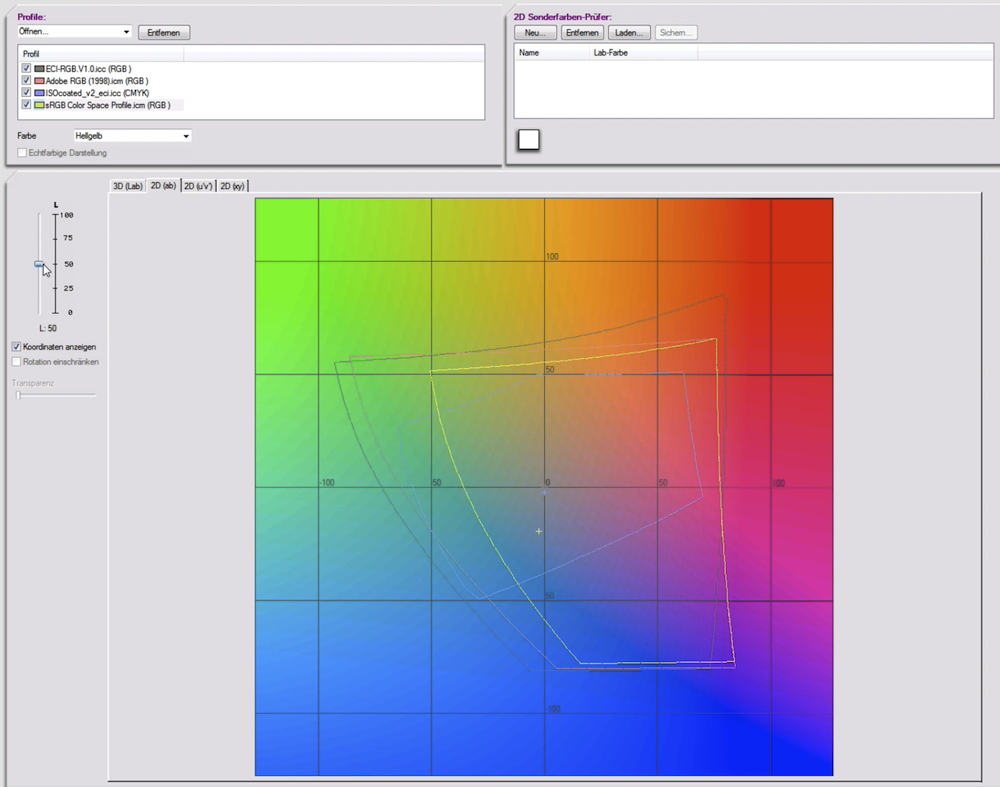
- RGB (additive): Colors are created with light (Red, Green, Blue). Standard for screens and digital channels.
- CMYK (subtractive): Colors are created with ink. Cyan, Magenta, and Yellow absorb (“subtract”) parts of the light reflected from paper, producing different hues.
CMYK is not “one” color space
For real-world production, CMYK is a color model, but it is implemented as a profile-based CMYK color space.
Meaning: The actual reproducible colors depend on the printing condition and ICC profile (e.g., paper type, printing process, press standard). So “CMYK” without a profile is only a rough statement.
Why do CMYK prints look different from what you see on screen?
Common reasons include:
- Different color creation: light (screen) vs. ink/paper (print)
- Different gamut: CMYK cannot reproduce many vivid RGB colors
- Paper and press conditions: paper white, absorption, screening, ink limits
That’s why a soft proof (print simulation on a calibrated monitor) is often the fastest way to avoid surprises.
Practical: How to prepare CMYK print files reliably
- Define the target: What product, paper, and printing process?
- Work with a profile: Always use CMYK with the correct ICC profile (not just “some CMYK”)
- Enable soft proofing: Check critical colors early (e.g., saturated blues/turquoise)
- Convert late: Keep images in a suitable working space as long as possible and convert to the target CMYK close to output
- Check black build: Use K for text/fine details instead of 4-color black where appropriate
FAQ about CMYK
What does CMYK stand for?
Cyan, Magenta, Yellow, and Key (Black) – the four process inks used in four-color printing.
When should I create files in CMYK?
Whenever the final result will be printed (e.g., catalogs, packaging, POS). CMYK—together with the right profile – helps keep production results predictable.
Why does a bright web turquoise often look dull in print?
Because many vivid screen colors fall outside the CMYK gamut and must be mapped during conversion.
Is CMYK always required for print?
In most print workflows, yes – but the crucial part is using the right CMYK ICC profile for the specific print condition.
Need a reliable CMYK workflow?
If you want product images and layouts to print exactly as intended, a robust CMYK workflow built on profiles, soft proofing, and clear standards makes all the difference. Get in touch – we’ll support you from prepress to omnichannel content production.
Related glossary entries
- Color space – Defines gamut and how colors are represented.
- RGB color space – Screen color model using red, green, and blue light.
- Color Management – the process of ensuring consistent color across devices and channels
- LAB Color space – the reference model encompassing all human-visible colors
- Prepress – Last checks before print.
- DTP (Desktop Publishing) – Creating print and digital layouts with specialized software